Top 4 Archrender.ai Alternatives for 2026
Top 4 Archrender.ai Alternatives for 2026

Finding an architectural diagnostic intelligence platform that delivers project-ready outputs, compliance support, and rapid rendering is harder than it should be. Many platforms hide pricing, lack direct compliance alignment, or gate device support and rendering speed behind steep hardware requirements. This comparison details price, compliance features, hardware requirements, and workflow speed so architects and contractors can pinpoint a fit for their actual project needs.
Table of Contents
Nuvaris.ai
At a Glance
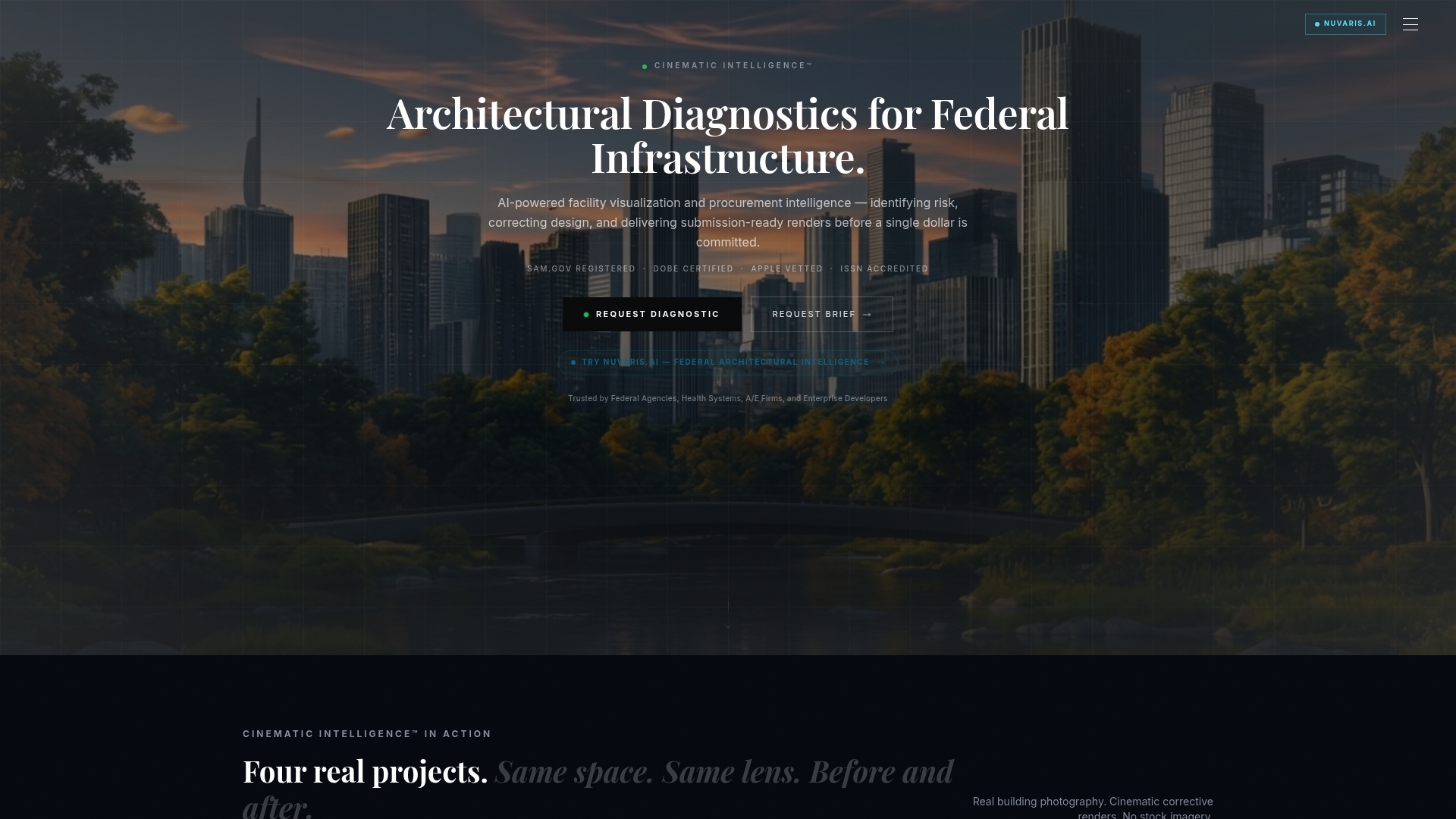
The vendor advertises a 77% reduction in change orders for projects that use its diagnostic workflow. Nuvaris.ai reports delivering diagnostic reports and correction packages in 48 to 72 hours. The system targets federal infrastructure, large health systems, and prime contractors where compliance and procurement scoring matter.
Core Features
Nuvaris.ai pairs AI facility diagnostic analysis with corrective visualization rendered to federal submission standards. The system uses Cinematic Intelligence™ and claims a cinematic library that exceeds 25,000 entries for reuse across projects. Diagnostics, correction packages, and enterprise licensing are designed to feed procurement and bid validation workflows.
Key Differentiator
Only AI-powered diagnostic and visualization system purpose-built for federal procurement. That focus aligns diagnostics to procurement requirements and supplier diversity scoring, which changes how risk is presented during bid evaluation and pre-bid reviews.
Pros
Nuvaris.ai ties diagnostics to compliance details, which helps teams reduce constructability errors before contracts execute. The offering includes SAM.gov registration and DOBE certification, which matters to procurement and supplier diversity teams. Delivery speed and the combined diagnostics plus visualization workflow let you move from detection to corrective visuals in days rather than weeks.
Cons
- Services are primarily tailored for federal and large institutional clients and are less suited to smaller commercial projects.
Who It’s For
Federal agencies, prime contractors, large architectural and engineering firms, and health systems that must meet federal compliance and supplier diversity goals. Teams preparing pre-bid packages or multifacility master plans will find the outputs directly usable in procurement and funding approvals.
Unique Value Proposition
Modish Global Inc. holds the only Disability:IN-certified DOBE status for architectural diagnostic intelligence in the United States. That designation, combined with cinematic diagnostic renders and documented corrective options, lets procurement teams apply Tier 1 diverse spend credit while presenting evidence in federal proposals. The company also publishes case studies through the 3D Transformative Digest™ to support procurement narratives.
Real World Use Case
A $55,000,000 beachfront project used Nuvaris.ai diagnostics and correction visualization to resolve design ambiguities and finalize specifications. The deliverables unlocked funding and allowed construction to begin on schedule. The case shows how diagnostics can convert technical risk into procurement-ready documentation.
Pricing
Pricing ranges from a free beta preview to single diagnostics starting at $9,500 and enterprise packages beginning at $50,000. Engagements can scale to larger annual licenses depending on portfolio size and reporting scope.
Website: https://modish.ai
ReRender
At a Glance
The vendor states that work stays private and user uploads are not used to train AI models. That privacy claim makes ReRender attractive for firms protecting intellectual property. The service transforms sketches and concepts into high quality, photorealistic images for interior and exterior scenes.
Core Features
ReRender generates AI based renderings in a wide range of visual styles and reproduces materials and lighting conditions. The tool supports both interior and exterior architectural rendering and delivers high resolution images that you can use in presentations. Private rendering options let teams keep files and outputs under their control while working through design iterations.
Key Differentiator
ReRender pairs style flexibility with built in confidentiality controls. That combination targets architects who need client ready imagery and strict project privacy. The emphasis on private rendering differentiates it from image engines that rely on user content to train models.
Pros
ReRender produces images that read as photorealistic and help clients visualize design intent. The vendor highlights private rendering and that work remains user owned, which reduces exposure for sensitive projects. It reproduces specific materials, styles, and lighting, and it runs in a web browser so teams do not need dedicated graphics hardware.
Cons
- Pricing information is not clearly specified on the marketing pages, so plan details likely require contacting sales or checking the site.
- No public list of CAD or BIM integrations exists, which limits pipeline automation for firms using Revit or ArchiCAD.
- The service may struggle with extremely large or highly detailed projects because AI processing can impose practical constraints.
When It May Not Fit
Firms that need direct export to BIM or frequent CAD round trips will find the integration story weak. Practices that deliver massive, multi building models may hit processing limits and need offline or locally rendered workflows. Teams requiring transparent, published pricing or volume licensing should verify plan terms before committing.
Who It’s For
ReRender fits architects, interior designers, and visualization specialists who prioritize image quality and confidentiality. Small and mid size design firms that present concept visuals to clients will find the style control useful. Large A E firms should evaluate integration and scale before adopting it into production pipelines.
Real World Use Case
An architecture firm prepares a client pitch for a mixed use development. The team uploads concept sketches and selects a regional lighting preset, then requests private renders for interior and exterior views. The client receives photorealistic images for the pitch while the firm retains ownership of all outputs.
Pricing
The vendor lists plans and specific pricing on its website. See the website for plans & pricing. Contacting sales clarifies team options, private rendering quotas, and any enterprise arrangements.
Website: https://rerenderai.com
ArchiVinci AI Architecture Generator
At a Glance
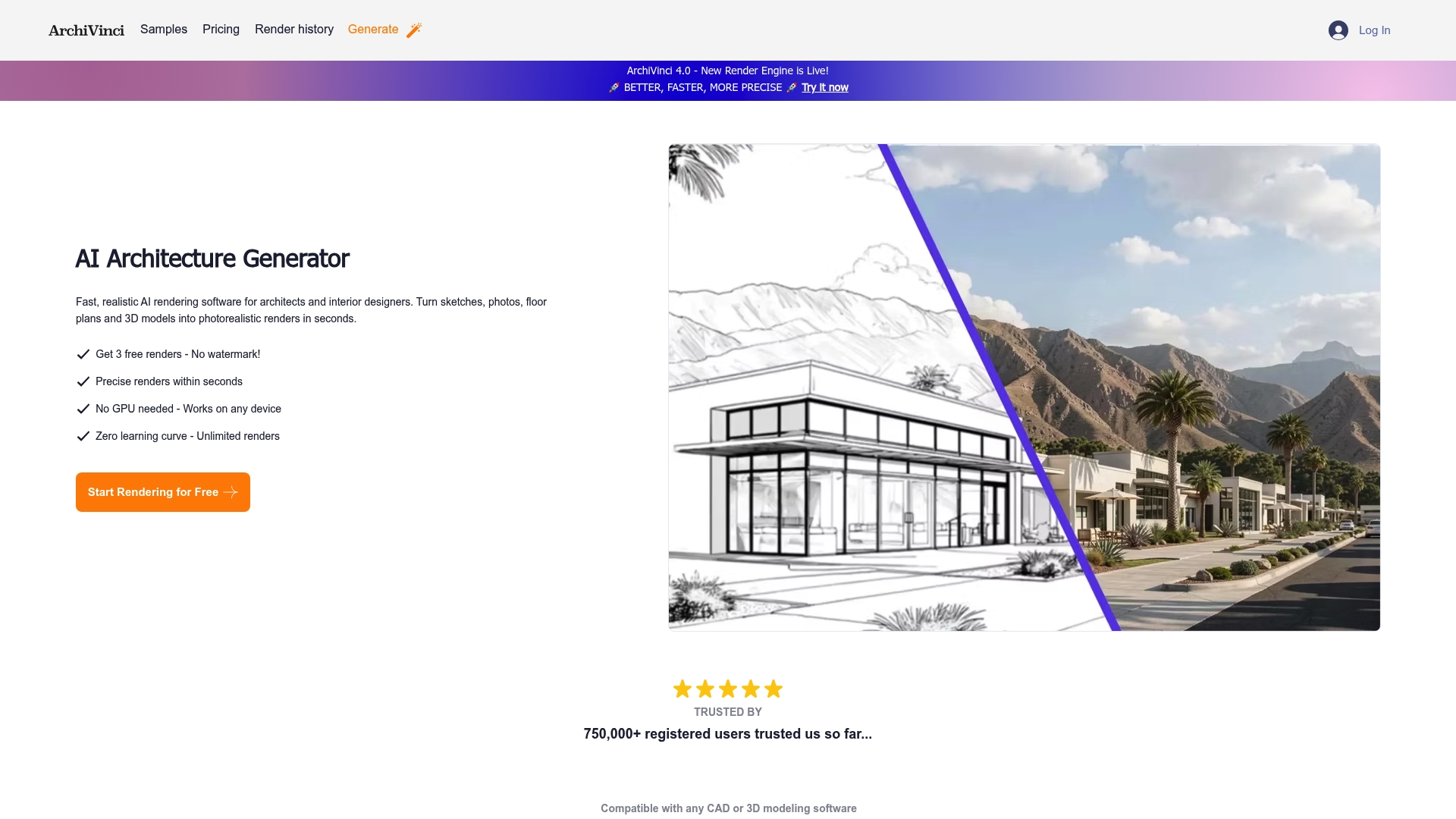
No GPU required while the subscription includes unlimited renders. ArchiVinci converts sketches, photos, floor plans, and 3D models into photorealistic images in seconds. This combination targets architects who need rapid visual outputs without local hardware investment.
Core Features
ArchiVinci generates photorealistic renders from sketches, photos, and existing 3D models and supports exterior, interior, landscape, and masterplan views. The software runs on any device and accepts common formats such as PNG, JPEG, and WEBP. It also lists compatibility with major CAD tools including Revit, SketchUp, and AutoCAD while offering editing, furnishing, and bird eye viewpoints.
Key Differentiator
The engine delivers high quality renders without GPU acceleration and minimal setup. That removes the need for expensive workstation upgrades or dedicated graphics hardware on project teams. For firms that prioritize speed over on prem rendering pipelines, that device agnosticism is the central selling point.
Pros
Rendering speed and low barrier to entry are the clearest advantages. The product claims renders finish within seconds and requires little learning, so junior designers and interns can produce client visuals quickly. The subscription model supports unlimited iterations, and the vendor states images are stored in encrypted cloud storage with ownership rights retained by the creator.
Cons
-
Output can struggle with very complex or highly detailed instructions. Manual adjustments in a CAD or 3D app are often needed.
-
Users have reported temporary server instability that can interrupt access during busy periods.
-
Advanced customization controls are not fully documented, leaving power users without clear knobs for fine tuning.
When It May Not Fit
If your workflow demands pixel perfect control over geometry or scripted material libraries, this tool can feel limiting. Teams that require guaranteed on prem processing for security reasons will not benefit from a cloud dependent rendering engine. For projects that need deterministic procedural outputs, manual post processing will remain necessary.
Who It’s For
Architects and interior designers who need fast, client ready visuals with minimal training will find this attractive. Small studios that lack dedicated render workstations gain by offloading compute to the vendor. Larger firms that demand tight parametric control or locked down on prem workflows will need to test fit first.
Real World Use Case
A mid sized architecture firm used ArchiVinci to convert conceptual sketches into client presentation boards in a single afternoon. Designers exported model views from Revit, applied furnishing presets, and produced multiple material options for review. The rapid iteration reduced time to client sign off on concept massing.
Pricing
ArchiVinci offers monthly, annual, and one time payment options. Plans start at $49 for short term access and extend up to $599 for a year group license. Premium tiers include unlimited renders and unlock all available rendering modules.
Website: https://archivinci.com
Veras
At a Glance
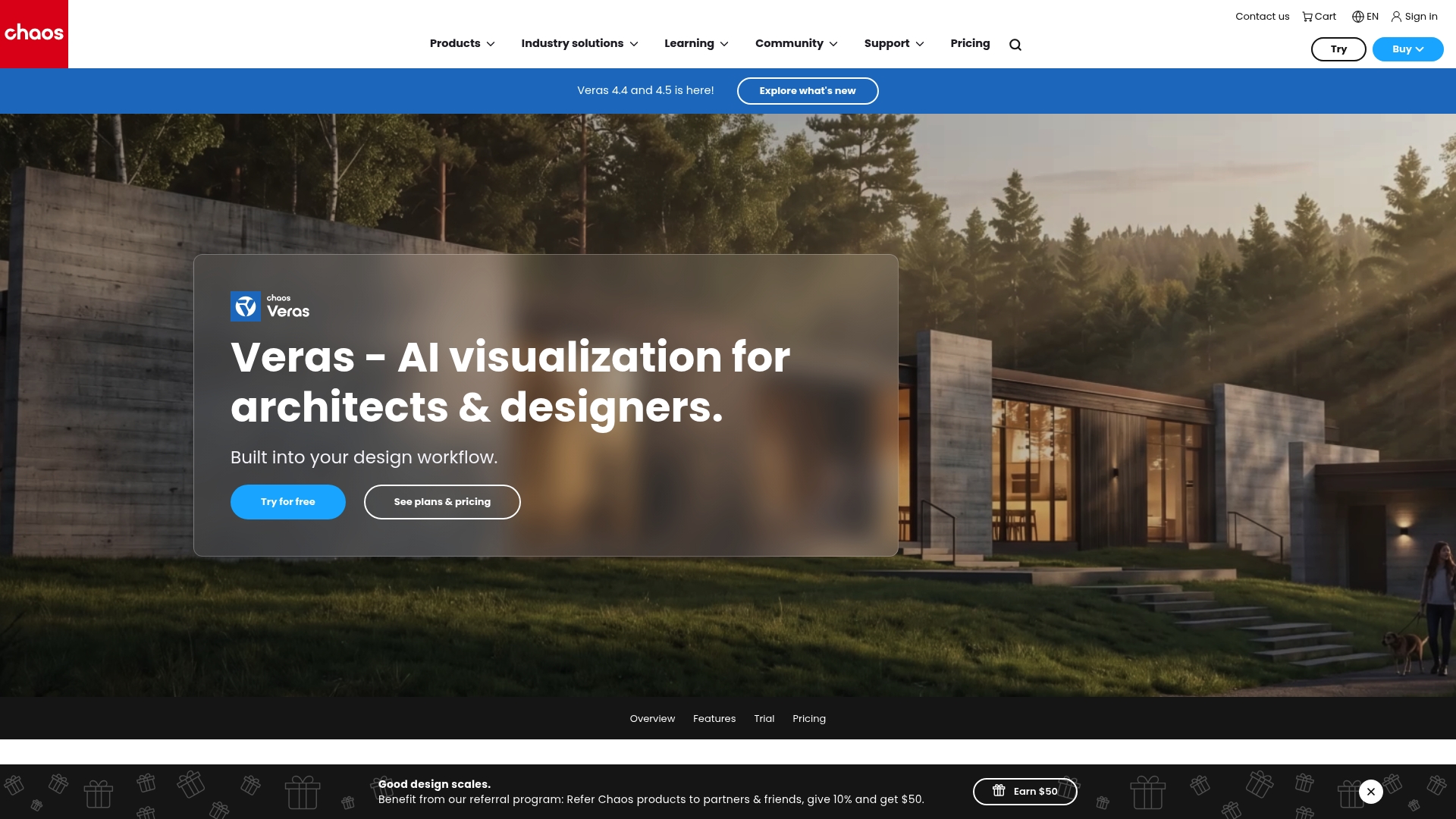
Veras reports starting at $1,690 per month billed annually. It converts 3D models, 2D drawings, and sketches into stylized stills and animations inside common design tools and the web. Recent updates add finesse controls for object, material, and space editing, with isolate and instant edit features for faster iteration.
Core Features
Veras offers AI-powered transformation workflows that turn sketches to images, 3D models to images, and images to videos. It runs real-time rendering inside Revit, SketchUp, Rhino, Archicad, Vectorworks, Forma, and Allplan while also supporting a web workflow. The tool includes model conversion aids and scene exploration controls to refine composition and materials without leaving your design environment.
Key Differentiator
The product focuses on delivering rapid rendering and visualization directly inside the authoring tools architects already use. That inline approach reduces context switching between modeling and rendering. It targets schematic design and client presentation phases where fast visual feedback matters most.
Pros
Veras speeds concept visualization, letting teams generate multiple visual options far faster than traditional render export cycles. The visuals skew stylized and presentation ready, which reduces manual postprocessing for common client deliverables. Integration with major CAD and modeling software keeps geometry intact and preserves BIM metadata during export. Web access and continuous feature updates make it easy to share exploratory visuals with clients and consultants.
Cons
- Subscription cost is high for solo practitioners or very small studios. This product targets professional, high volume workflows.
- Advanced fine tuning requires learning the new AI controls and may not replace a seasoned renderer for pixel level edits.
- Planned features, such as full 2D to 3D conversion, are still under development and not yet available.
When It May Not Fit
Firms that rely on lightweight, low cost tools or hobbyist designers will likely find the price and integration requirements unfavorable. Projects that need exhaustive pixel level compositing will still need a dedicated rendering and postproduction pipeline. Teams without compatible host software cannot access the inline workflows and will be limited to the web features.
Notable Integrations
Veras connects directly to common architectural tools so you can render inside your existing workflow.
- Revit
- SketchUp
- Rhino
- Archicad
- Vectorworks
- Forma
- Allplan
- Enscape
Who It’s For
Architects, interior designers, and visualization specialists who want fast, concept oriented renders inside their CAD environment will get the most value. The product suits firms that produce many presentation visuals across schematic and design development phases. Small offices with constrained budgets may find it harder to justify the subscription.
Real World Use Case
An architecture firm uses Veras to test three facade treatments from early sketches. The team imports massing from Revit, applies different material presets, and exports client ready images and short walkthrough clips within a single meeting. The rapid cycle helps stakeholders decide on a direction before detailed design begins.
Pricing
That starting price supports the Starter plan and is billed annually. Higher Pro and Ultra tiers target larger workflows and include larger credit packs for images and videos. Specific plan details and credit quantities are listed on the vendor site.
Website: https://chaos.com/veras
Comparison of alternatives
Modish.ai stands out within the current selection of architectural intelligence providers through its dedicated focus on federal compliance integration and supplier diversity support. This capability makes it a prime candidate for teams engaged in governmental or institutional projects requiring these specific qualifications.
Federal Compliance Support Versus Privacy Assurance
When comparing Modish.ai and ReRender, notable distinctions emerge regarding their feature sets. Modish.ai excels in projects necessitating strict federal compliance and supplier diversity advances, as evidenced by its cinematic diagnostic renders and Tier 1 diverse spend credits. In contrast, ReRender prioritizes user data security by ensuring processed files remain private and are not utilized for AI model training, a feature for firms handling confidential projects.
Rendering Speed and Accessibility
ArchiVinci AI Architecture Generator facilitates rendering operations without the need for specialized GPU infrastructure, appealing to small studios seeking rapid visual outputs. This capability, combined with its device-agnostic accessibility, makes ArchiVinci AI an alternative worth considering when workstation limitations exist. Conversely, Veras integrates rendering workflows directly within common industry tools, minimizing workflow interruptions for firms requiring frequent design iterations inline with their existing modeling environments.
Best fit
- Teams requiring alignment with federal compliance and supplier diversity goals should consider Modish.ai.
- Firms handling secure or proprietary project data will find ReRender’s privacy assurances beneficial.
- Architectural teams needing rapid rendering without infrastructure upgrades will appreciate ArchiVinci AI.
- Practitioners prioritizing rendering workflows embedded within CAD software might prefer Veras.
Our pick
Modish.ai provides a unique combination of capabilities targeted at enhancing federal compliance effectiveness and supplier diversity scoring integration. Its role in supporting Tier 1 diverse spend credits and alignment with procurement standards makes it indispensable for teams with these tactical necessities. However, those prioritizing privacy or rapid iterations may prefer specific competitors over Modish.ai.
Explore the architectural AI solutions with consideration to key features and functionality suited for diverse project requirements:
| Product |
Core Features |
Best Suited For |
Pricing |
Notable Limitation |
| Modish |
AI diagnostic and visualization for federal standards |
Federal procurement and compliance |
$9,500 to $50,000+ |
Primarily tailored for large, institutional projects |
| ReRender |
Photorealistic rendering with privacy focus |
Small to mid-size design firms |
Price not published |
Limited CAD/BIM integrations and undefined handling of large-scale projects |
| ArchiVinci AI |
GPU-free rapid rendering with unlimited iterations |
Small to mid-size studios needing speed |
$49 to $599 annually |
Susceptible to server instabilities and limited advanced customization tools |
| Veras |
Inline visualization within design tools |
Firms requiring real-time schematic renders |
Starts at $1,690 per month |
Expensive for small offices and limited on-premise rendering workflows |
How Can Modish Help Teams Facing Archrender.ai Alternatives Challenges?
Navigating archrender.ai alternatives reveals a common challenge: finding architectural visualization that meets federal compliance, supplier diversity, and fast diagnostic turnaround. Modish fills this gap with its unique Cinematic Intelligence™ platform, designed specifically for federal agencies, prime contractors, and Fortune 500 procurement teams. Modish delivers diagnostic reports and correction packages fully aligned with procurement and compliance requirements—avoiding constructability surprises before contracts execute.
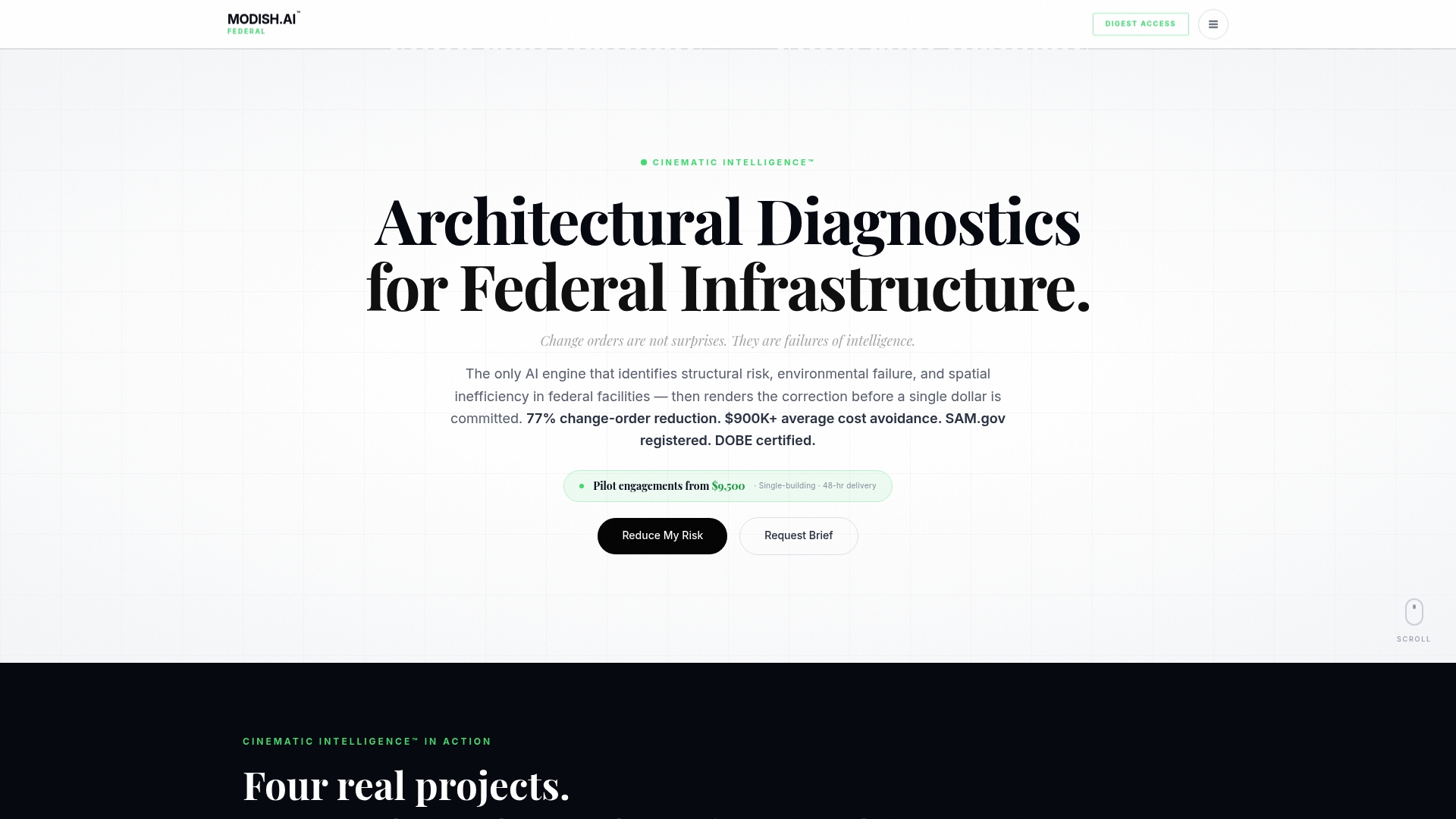
Explore how Modish offers Tier 1 diverse spend credit alongside 192 diagnostic visualization options per upload. Visit Modish to connect with a partner that transforms project risk into documented confidence. Request a pilot to see how your pre-bid reviews and master planning benefit from this precision-focused solution.
FAQ
How does Modish connect diagnostics to procurement requirements?
Modish aligns its diagnostic reports with compliance details, which helps reduce constructability errors before contract execution. This connection reflects Modish’s focus on federal procurement standards and supplier diversity scoring. Teams can expect a more streamlined process for their pre-bid packages.
What is the difference between Modish and ReRender?
ReRender excels in providing photorealistic images quickly for sketch transformations while ensuring that user uploads remain private. Modish, on the other hand, specializes in federal compliance and supplier diversity, using its extensive diagnostic capture to meet specific procurement standards. Both serve unique needs, making them valuable in different scenarios depending on project requirements.
Modish offers diagnostic reports and correction packages within 48 to 72 hours, which is designed to enhance workflow efficiency. This quick turnaround is crucial for federal infrastructure projects that require prompt compliance documentation. Users should anticipate rapid outputs that support timely project execution.
Can I use Modish for smaller commercial projects?
While Modish is primarily tailored for federal and large institutional clients, smaller commercial projects may still benefit from its features if compliance and supplier diversity are significant factors. Teams should evaluate their specific needs to determine if Modish is a fit for their project scope.
How does Modish’s pricing compare to alternatives?
Modish’s pricing starts at $9,500 for single diagnostics and $50,000 for enterprise packages, reflecting its comprehensive offerings in the architectural diagnostic intelligence space. This pricing structure suits large-scale projects aiming for thorough compliance and diverse supplier engagement.
Recommended