Top 4 Motif.io Architectural Visualization Alternatives 2026
Top 4 Motif.io Architectural Visualization Alternatives 2026

Securing precise and actionable architectural diagnostic visualizations that can accelerate pre-construction risk review remains a major pain point for agencies and design teams. Many platforms limit diagnostic features to visuals only, lack integrated risk analysis, or gate advanced compliance reporting behind high enterprise price bands or inflexible licensing. This head-to-head comparison sets out core differentiators in speed, federal compliance fit, workflow integrations, and procurement models so you can select the visualization engine that aligns with your technical, fiscal, and supplier-diversity goals.
Table of Contents
NUVARIS.AI
At a Glance
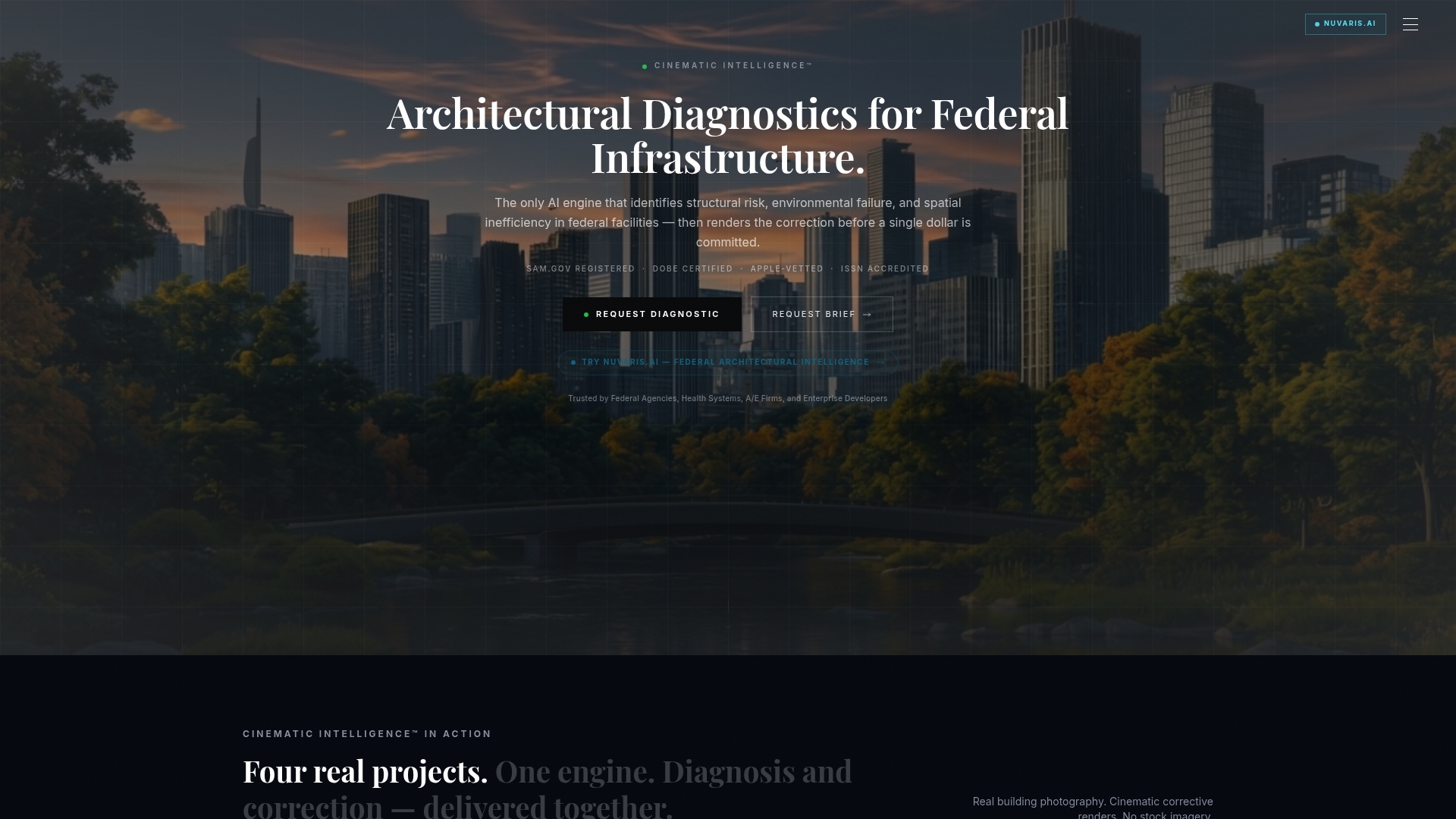
The vendor advertises a 48–72 hour turnaround for diagnostic reports and cinematic corrective renders, a delivery cadence that changes how fast federal teams can assess pre-construction risk.
NUVARIS.AI is purpose-built for federal infrastructure and uses Cinematic Intelligence™ to flag structural, environmental, and code compliance failure points before construction commits.
Core Features
- AI-powered diagnostic analysis of architectural plans and built environments, producing problem maps and prioritized risk lists.
- Cinematic visualization of corrective designs that render federal submission-grade imagery for proposals and review.
- Proprietary Cinematic Intelligence™ methodology with a global design language library covering 22+ languages and 192 redesigns per upload.
- Fast diagnostic turnaround designed for pre-bid evaluation, master planning, and pre-design risk identification.
Key Differentiator
NUVARIS.AI is the only AI-native diagnostic engine that combines architectural risk analysis with cinematic visualization in a single federal procurement-ready package. That pairing is aligned to federal deliverable expectations rather than consumer 3D showreel formats.
Pros
-
Specialized federal posture. NUVARIS.AI is delivered by Modish Global Inc. which is the only Disability:IN-certified DOBE architectural diagnostic intelligence firm in the United States. That status can add tier 1 diverse spend credit to procurement outcomes.
-
Integrated diagnostics and visuals. The system links failure detection to a corrective visual so reviewers see the problem and the proposed correction in the same deliverable.
-
Speed of delivery. The turnaround claim above lets program managers compress pre-construction review timelines into days rather than weeks when schedules are tight.
-
Measurable cost avoidance claims. The vendor advertises a 77% reduction in change orders and reports cost avoidance exceeding $900K per project, figures that procurement teams can cite when assessing expected ROI.
-
Flexible commercial model. NUVARIS.AI is available as white-label licensing, library licensing, or direct services to fit prime contractor or agency buying strategies.
Cons
- According to the company, enterprise licensing carries a high upfront price band of $1.5M to $3M which can put the offering out of reach for smaller agencies or local governments.
Who It’s For
Federal agencies, large architecture and engineering firms, defense contractors, and institutional health systems that need rapid, compliant cinematic diagnostics for government infrastructure projects.
Unique Value Proposition
Every dollar of Modish engagement counts as Tier 1 diverse spend credit, a procurement outcome that directly affects Fortune 500 supplier-diversity scorecards and federal proposal scoring. For organizations balancing compliance scoring and technical risk mitigation, that credit converts a diagnostic engagement into a procurement lever.
Real World Use Case
A federal health agency used NUVARIS.AI to diagnose structural and environmental deficiencies on a new hospital project and received detailed corrective visualizations within days. That engagement reduced the risk of late change orders and protected the program budget during final design.
Pricing
According to the company, engagements span a range from $9,500 single-facility pilots to $150,000+ annual enterprise licenses, with white-label and library licensing available for large teams. See full pricing details at the vendor page.
Website: https://modish.ai
Motif
At a Glance
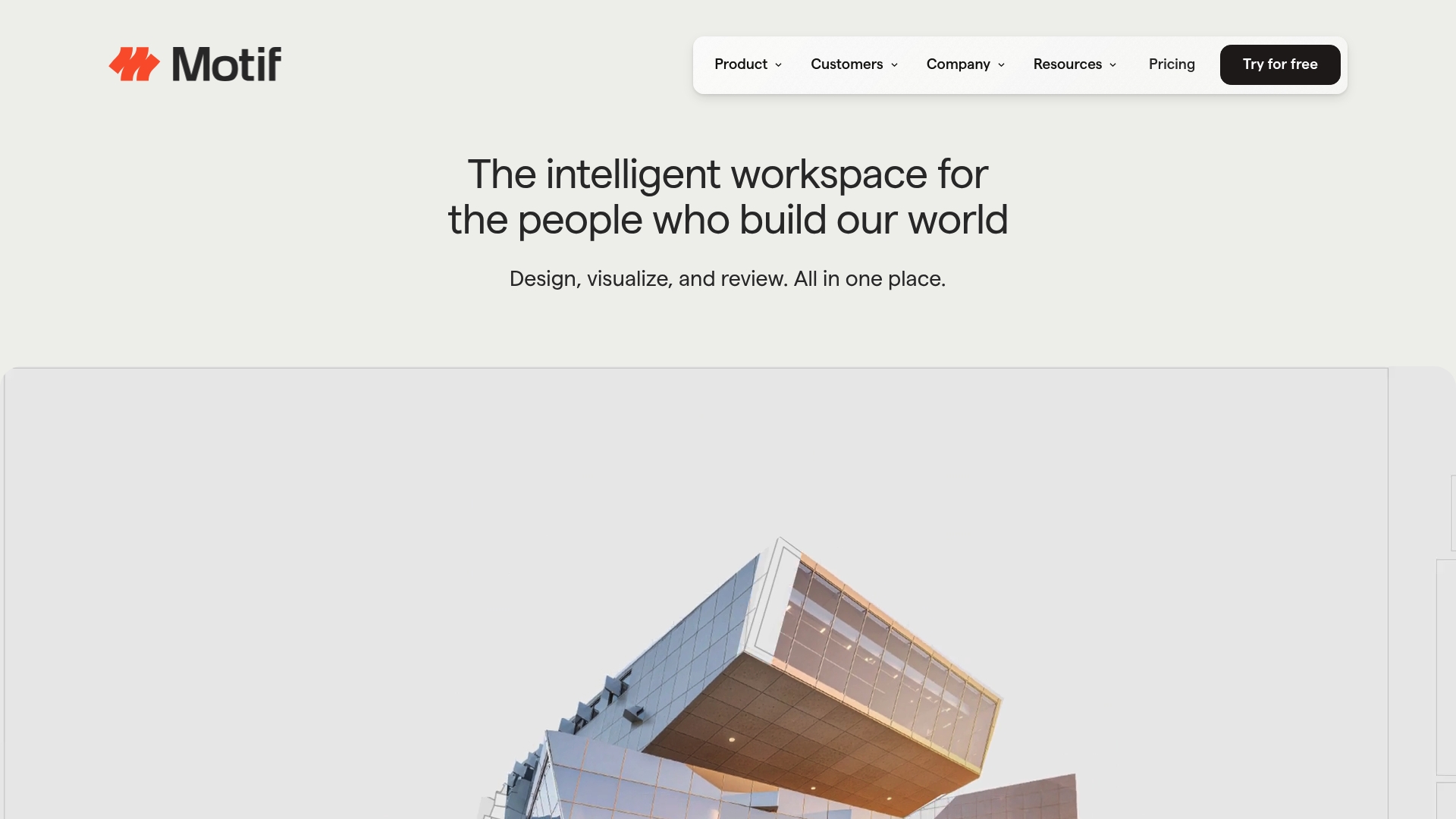
Motif streams Revit and Rhino models into a browser workspace while offering integrated AI rendering and a shared canvas — all without any client downloads. That browser-first approach targets architects who need fast visual review with minimal IT friction.
Core Features
Motif delivers live model streaming from Revit and Rhino, an AI-powered rendering engine that turns sketches or rough models into presentable visuals, and a shared infinite canvas for side-by-side comparisons. Real-time comments and markups live on the same canvas so teams can iterate together.
Key Differentiator
The distinguishing element is the combination of live model streaming plus embedded AI rendering in the browser. Motif’s workflow reduces the need to export slices of a model for review and lets stakeholders see evolving visuals during a single session.
Pros
-
Designed for architects. The tools address typical review tasks such as sheet markup, concept sketching, and model review rather than generic file sharing.
-
Rapid visual iteration. The AI rendering feature enables presentable imagery from early sketches so design conversations happen sooner in the schedule.
-
Low IT overhead. Because everything runs in-browser, project teams avoid local installs and temporary licensing, which speeds client access and contractor reviews.
-
Collaboration focus. Real-time comments and the shared canvas cut down version control problems and concentrate feedback in one place.
Cons
-
Public user feedback is sparse. There are limited third-party review sources validating user experience, so real-world performance claims remain lightly corroborated.
-
Integration breadth unclear. Beyond Revit and Rhino the vendor does not list additional ecosystem connections, which could force manual handoffs for some pipelines.
-
Feature depth trade-offs. The all-in-one browser model may omit deep desktop utilities that advanced users rely on inside native CAD or BIM environments.
When It May Not Fit
Procurement teams that require extensive third-party references or vendors with a long audit trail will find Motif’s public validation limited. If your workflow depends on many specialist integrations beyond Revit and Rhino or on heavy desktop plugins, Motif’s browser-first trade-offs will feel constraining.
Notable Integrations
Motif lists direct streaming connections to those two design engines; do not assume additional connectors unless you confirm with the vendor.
Who It’s For
Architecture and design teams that want a cloud-first environment for client-facing reviews, early concept exploration, and faster sign-off cycles. Smaller studios and project teams that prioritize access over heavyweight desktop tooling will get the most immediate value.
Real World Use Case
A mid-sized architecture firm uses Motif to present a Revit massing study to a client. The team streams the model, applies quick AI visualizations from sketches, and captures client markups in the same session, shortening the feedback loop from weeks to days.
Pricing
Plans start at $50 per user per month for Pro seats, with enterprise pricing available via custom quotes. The per-user entry point makes pilot projects affordable for small teams, while larger deployments require vendor discussion.
Website: https://motif.io
nTop
At a Glance
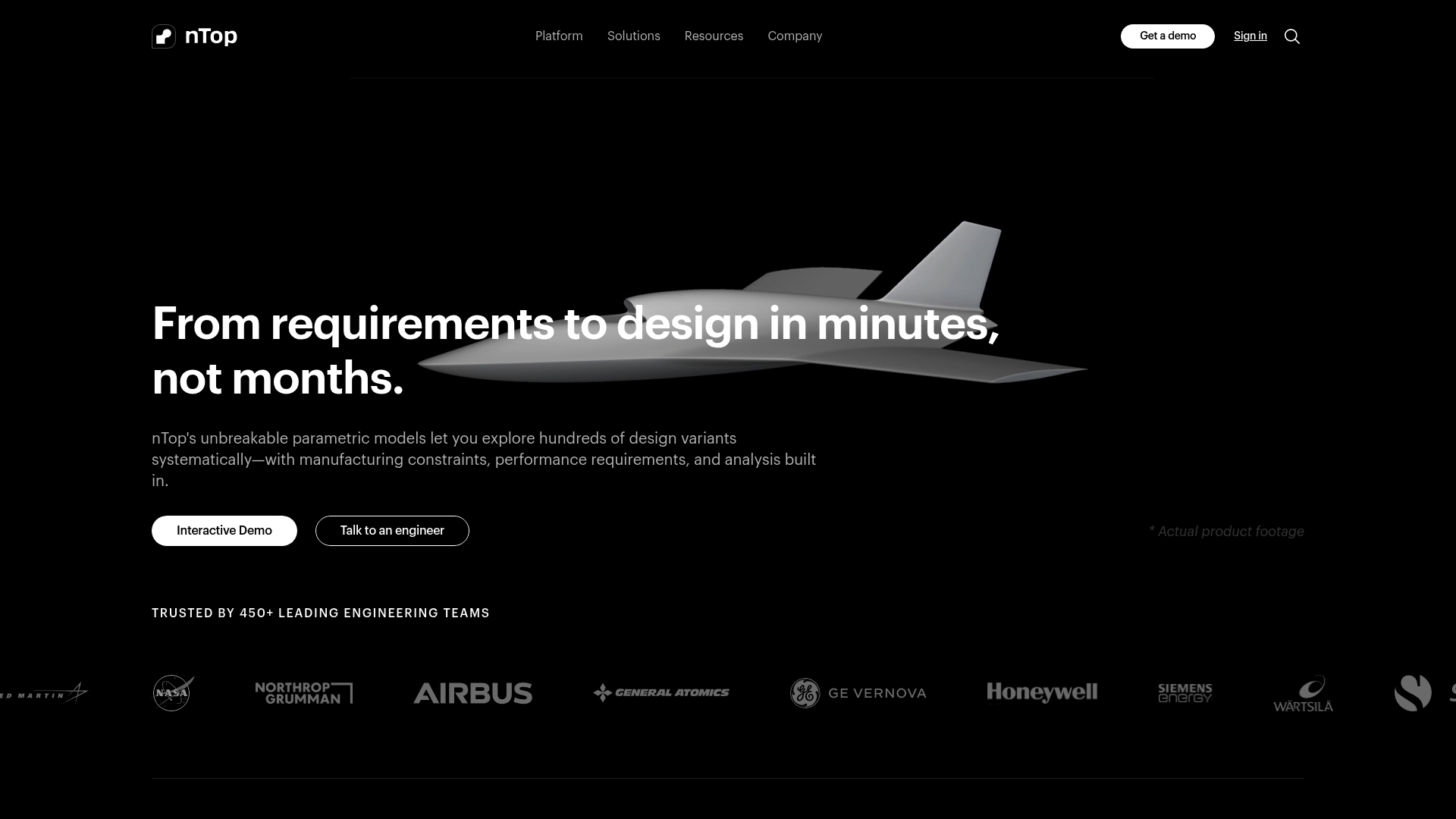
nTop pitches unbreakable parametric models that let engineers explore hundreds of design variants while folding manufacturing constraints and analysis into each run. The tool targets complex geometry and additive manufacturing workflows in aerospace, automotive, and industrial engineering.
Core Features
- Parametric modeling for rapid variant exploration and reusable design logic across programs.
- Integrated simulation with FEA and CFD inside the authoring flow to shorten iteration loops.
- Automated lattice structure and topology optimization tuned for additive manufacturing and part consolidation.
- Design for additive manufacturing with geometry generation and support optimization built into the process.
Key Differentiator
nTop’s claim of resilient parametric models is the functional edge here. The engine is designed to sustain large variant sweeps and analysis feedback without rebuilding from scratch, which speeds concept validation for teams focused on shape and performance rather than visuals.
Compared with Modish and its Cinematic Intelligence™ focus on diagnostic visualization and federal compliance, nTop concentrates on geometry generation and engineering decisioning earlier in the design cycle.
Pros
- The vendor reports high user satisfaction on review sites which signals strong adoption among specialist engineering teams.
- Enables faster iteration cycles by keeping simulation and geometry linked so design and analysis move in tandem rather than in separate passes.
- Handles large variant exploration without stability loss when workflows are correctly authored which matters for optimization campaigns.
- Reusable design logic improves repeatability across programs so common constraints and manufacturing rules persist across parts.
Cons
- The workflow can be finicky and the history tree behavior sometimes causes unexpected errors during edits which costs time while diagnosing the model state.
- Reviews mention occasional bugs and crashes that interrupt sessions, so disciplined save and versioning practices are required.
- Model edits or resizing can cause downstream errors that need manual correction or regeneration of downstream features.
When It May Not Fit
If your team needs a CAD environment with predictable, linear history editing and near zero tolerance for session instability then nTop will feel risky. It is less friendly for users who expect clickless, foolproof editing workflows and for organizations without dedicated engineering automation support.
Notable Integrations
- PLM systems for lifecycle and version control integration.
- Multidisciplinary design optimization platforms to feed design exploration engines.
- Data exchange and import export capabilities for CAD and analysis handoff.
Who It’s For
Engineers and product designers working on complex geometry, additive manufacturing, and rapid prototyping in aerospace, automotive, and industrial design. Best when embedded in teams that can author and maintain parametric logic and automation rules.
Real World Use Case
According to the company, Specter Aerospace used nTop for hypersonic vehicle concept work and achieved a 10x faster feedback loop from simulation to design than their previous CAD workflow. That 10x figure illustrates how coupling analysis and geometry generation accelerates early trade studies.
Pricing
Pricing is not published on the vendor site and is listed as informational only. Expect enterprise licensing and program level engagement rather than per seat consumer pricing.
Website: https://ntop.com
Spline
At a Glance
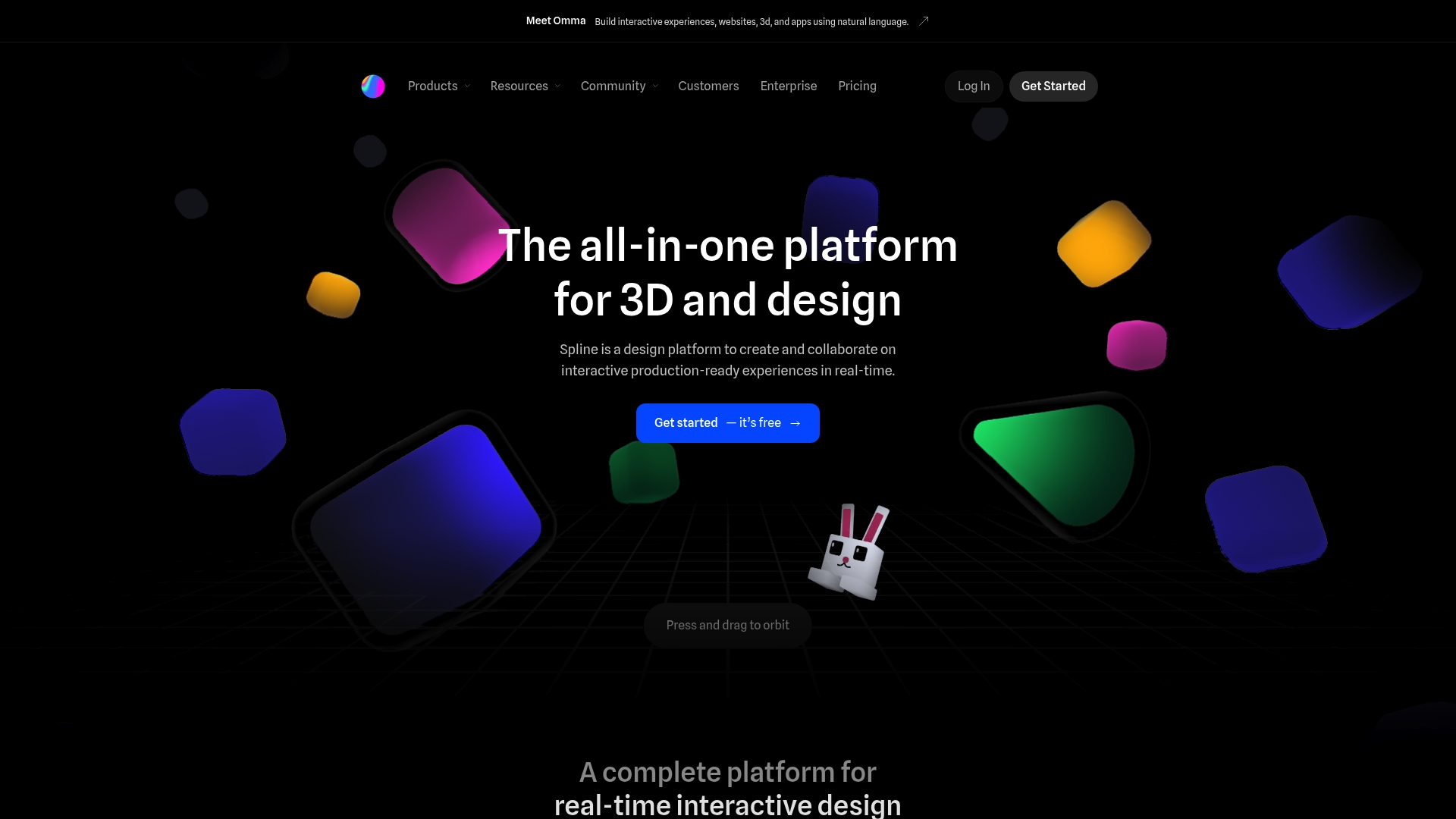
Browser-based real-time 3D design with live collaboration and no code required is the most specific claim Spline makes. The vendor positions that workflow for production-ready web and mobile assets while keeping the interface approachable for designers.
Core Features
- Real-time 3D modeling and design that runs in the browser with touch and mouse input.
- Interactive scene creation and animation including states, events, and particle effects for product demos and motion work.
- Multi-platform exports for Web, iOS, and Android alongside layered materials and custom textures.
- Interactivity and a basic API to surface variables and simple integrations for live content.
Key Differentiator
Spline’s claim to distinction is the combination of being fully browser-based with live collaboration and a no-code interaction layer. That mix reduces handoffs between designers and engineers and lets creative teams iterate on interactive assets together in the same session.
Pros
-
Easy onboarding. Designers familiar with 2D tools reach usable speed fast because the interface prioritizes visual manipulation over numeric input.
-
Collaboration that feels immediate. Multiple contributors can work in the same scene and leave in-context feedback without exporting static files.
-
Production intent. The export options and animation features support embedding interactive demos directly into marketing pages and product docs.
-
Device friendly. Because it runs in modern browsers, touch devices and tablets are supported for quick reviews and client walkthroughs.
Cons
-
Some users report customer service and billing friction around renewals and refunds. Those anecdotes appear intermittently in community channels.
-
There are occasional reliability problems with exports and API integrations, which can break deployment pipelines if you rely on them for automated builds.
-
The learning curve is steep for people with no 3D background. Designers without spatial modeling experience will need time to become fluent.
-
Feature depth lags behind heavyweight 3D tools when you need fine control over topology or complex simulation workflows.
When It May Not Fit
If your project demands advanced modeling, photorealistic rendering, or deterministic export stability for automated builds, Spline is the wrong tool. Also avoid it if you require enterprise-grade billing and account support guarantees out of the box.
Who It’s For
Design teams, agencies, and creative professionals who want to produce interactive 3D and 2D web experiences without deep coding. Ideal when rapid iteration and shared editing matter more than advanced simulation or full custom scripting.
Real World Use Case
A marketing team uses Spline to assemble an interactive product demo. Designers animate states and add clickable hotspots, then export a web embed that lets prospective buyers rotate, explore, and see feature labels in context.
Pricing
Free tier available for basic work. Paid plans start at $12/month per seat billed annually for the Starter package, with Professional and Enterprise tiers offering additional controls and custom pricing.
Website: https://spline.design
Comparative Analysis
Examining the offerings from architectural diagnostic visualization software providers reveals how different platforms cater to unique needs within the design and engineering landscape. This section compares Modish.ai against its leading competitors to assist readers in identifying the most suitable solution for their specific context.
Areas of Strength and Differentiation
Modish.ai distinguishes itself with its capability to deliver rapid diagnostics paired with cinematic visualizations tailored for federal infrastructure compliance. Unlike others on this list, Modish.ai’s Cinematic Intelligence™ methodology directly supports pre-construction risk assessment by combining diagnostic analysis with visually clear corrective recommendations. This dual focus addresses both technical and communicative aspects of project planning, compressing review times from weeks to mere days when schedules are crucial.
In contrast, platforms like Spline and nTop emphasize broader design exploration or programmer iteration but lack the federally compliant specificity that Modish.ai enforces. While Motif offers a simplified browser-based model review experience, it risks lacking the deep calibration and compliance alignment that large-scale or government clients often require.
Where Competitors Excel
-
Motif delivers exceptional ease of use for cloud-based collaboration. Teams emphasizing spontaneous model iterations during presentations benefit greatly from Motif’s live-streaming capabilities that reduce dependencies on larger local computational resources.
-
nTop caters to engineering teams needing parametric modeling for manufacturing optimization. Its integrated design and simulation pipelines are for projects where physical constraints are as critical as visual outcomes.
-
Spline provides designers with accessible tools for rapid prototyping of interactive 3D assets, making it a favorable choice for marketing applications that prioritize animation over stringent compliance.
Best Fit Scenarios
- Modish.ai: Best suited for government agencies or contractors needing pre-construction diagnostics with assured compliance and rapid visual outputs.
- Motif: Recommended for teams prioritizing agile, browser-based collaboration for rapid iteration between stakeholders.
- nTop: Preferred for engineers focused on additive manufacturing and complex part optimization workflows.
- Spline: Valuable for creative professionals needing lightweight animation tools for interactive asset creation.
Our Pick
Modish.ai may not be universally suited for users emphasizing ultra-specialized manufacturing models or lightweight animation tasks. Instead, its alignment with federal standards and focus on integrated risk analysis ensure it remains the choice for large-scale architectural projects aiming for both thorough diagnostics and impactful visual deliverables in compressed timelines.
Architectural Diagnostic Visualization Software Comparison
Comparing leading architectural diagnostic tools to determine their strengths in visualization and functionality.
| Product |
Core Feature |
Key Differentiator |
Best For |
Pricing |
Notable Limitation |
| NUVARIS.AI |
AI-powered diagnostic analysis |
Integrates risk detection with cinematic visualizations |
Federal agencies and large contractors |
$9,500 - $150,000 |
High upfront costs for licensing |
| Motif |
Browser-based AI rendering |
Real-time model streaming and shared canvas |
Architects needing minimal IT overhead |
$50/user/month |
Limited third-party feedback |
| nTop |
Parametric modeling |
Resilient models for variant generation and feedback |
Complex geometry and additive manufacturing |
Not disclosed |
Learning curve for setup and use |
| Spline |
Interactive 3D design |
Browser collaboration without coding |
Creative teams requiring rapid iterations |
Starting at $12/month |
Limited feature depth for advanced users |
Discover a Superior Motif.io Alternative with Modish
For architectural visualization that transcends typical design review, Modish delivers an unmatched fusion of AI-driven diagnostics and Cinematic Intelligence™ tailored for federal and commercial infrastructure. Unlike Motif.io’s browser-first streaming and sketching focus, Modish identifies structural and compliance risks early while rendering federal submission-grade visualizations with 192 corrective redesign options per upload.
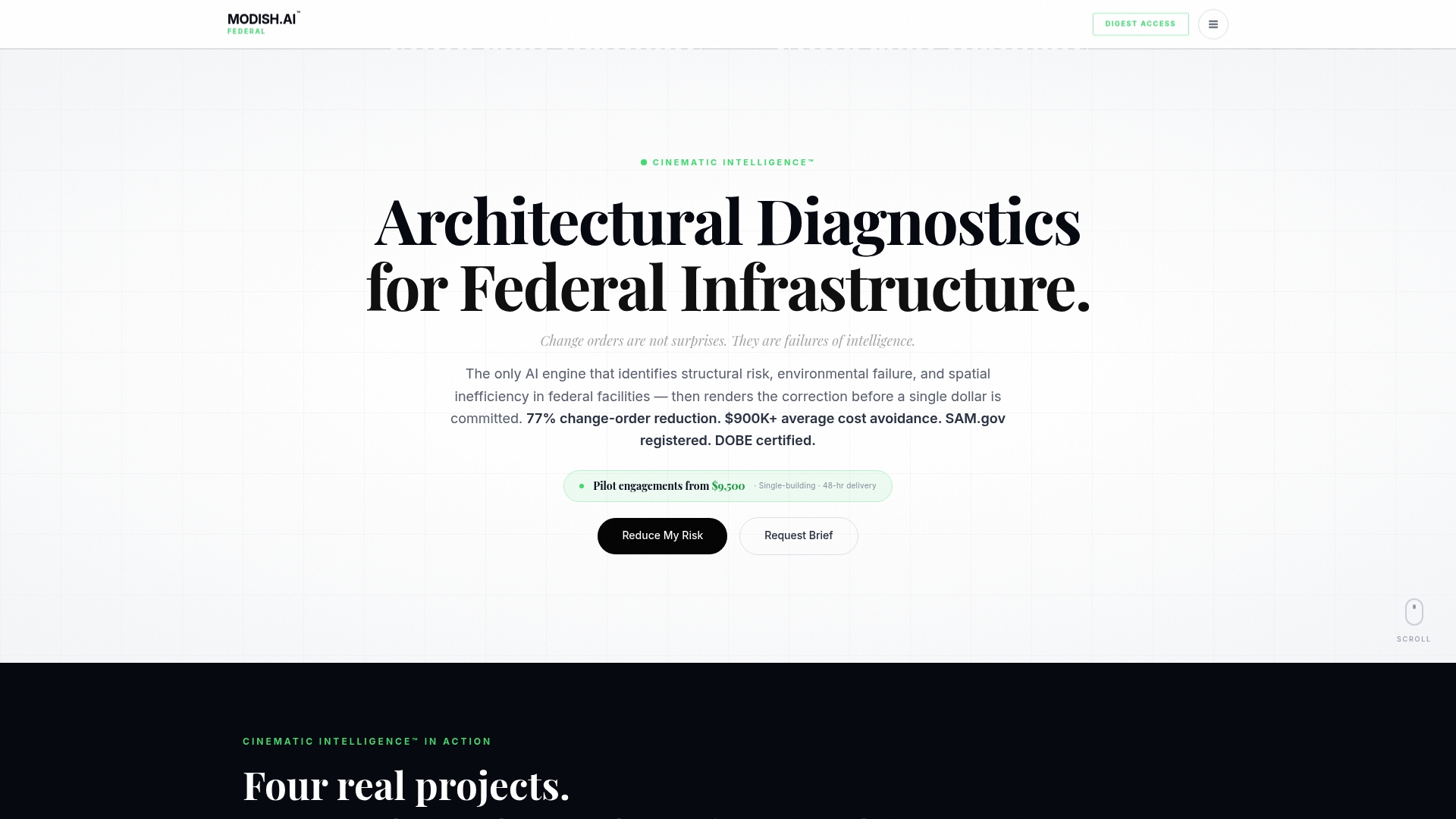
If your project demands rapid, compliant, and procurement-credited cinematic diagnostics, Modish is your exclusive DOBE-certified partner. Tap into the value that boosts diverse spend credits and reduces costly change orders by up to 77 percent. Explore how Modish can transform risk assessment into actionable clarity at https://modish.ai and experience pre-bid evaluation redefined.
Frequently Asked Questions
How does Modish’s integrated diagnostics improve architectural visualization results?
Modish enhances architectural visualization through its AI-powered diagnostic analysis, which produces problem maps and prioritized risk lists. This unique capability enables teams to visualize both structural issues and corrections, streamlining the review process for federal submissions. Consider implementing Modish for rapid, compliant diagnostics in your projects.
What is the difference between NUVARIS.AI and Modish in terms of turnaround time?
NUVARIS.AI claims a competitive turnaround time of 48-72 hours for its diagnostic reports, allowing for quick assessments of pre-construction risk. In contrast, Modish offers similarly rapid diagnostics designed specifically for the federal sector, ensuring that stakeholders receive timely and relevant information. Depending on your specific needs, choosing either may depend on the exact focus of your project.
NUVARIS.AI distinguishes itself with its proprietary Cinematic Intelligence™ methodology geared specifically towards federal project submissions. While Modish also caters to federal requirements with an emphasis on architectural diagnostics, NUVARIS.AI’s cinematic focus may resonate more with agencies looking for highly visual proposals. If your goal is to dive deep into cinematic designs, it could be worth exploring NUVARIS.AI.
Can I use Motif for real-time collaboration without heavy IT infrastructure?
Motif is designed for cloud-based use, allowing for real-time collaboration without requiring heavy IT infrastructure or local installations. This makes it suitable for smaller teams seeking quick, shared design reviews, unlike Modish, which focuses heavily on diagnostics and risk analysis for federal projects. Evaluate your need for real-time collaboration against the depth of diagnostic insights you’re looking for.
How does nTop facilitate rapid design iteration for complex geometries?
nTop provides parametric modeling that supports fast variant exploration while integrating simulation capabilities, allowing engineers to iterate quickly without starting from scratch. This offers a distinct advantage for users requiring complex design adaptability, contrasting with Modish’s focus on diagnostics and visualization. For teams needing to explore design variants extensively, nTop may be a compelling choice to consider.
Recommended