Types of Accessible Design Standards for Architects
Types of Accessible Design Standards for Architects
TL;DR:
- Accessible design standards include ADA compliance, Universal Design principles, WCAG digital guidelines, and federal requirements like Section 508 and PDF/UA. Implementing these early prevents costly retrofits and ensures inclusive buildings and digital content from the start.
Accessible design standards are the legal, technical, and philosophical frameworks that govern how buildings, environments, and digital content serve people of all abilities. The primary types of accessible design standards include ADA compliance standards, Universal Design principles, WCAG digital guidelines, and specialized federal requirements such as Section 508 and PDF/UA. Architects, engineers, and designers who understand each framework’s scope can build inclusivity into projects from day one, rather than correcting failures after construction commits.
1. What are the types of accessible design standards?
The field of accessibility uses two distinct categories of standards. The first category covers legal mandates, such as the Americans with Disabilities Act. The second covers design philosophies, such as Universal Design, which go beyond minimum code. Knowing the difference between these categories determines how you scope a project and where you place your compliance budget.

Legal standards set floors. Philosophical frameworks set ceilings. The most effective projects use both.
2. ADA compliance standards for physical accessibility
The ADA Standards for Accessible Design are a legal mandate for U.S. commercial and public facilities. They specify measurable requirements for accessible routes, door hardware, signage, toilet rooms, curb ramps, and entrances. Non-compliance exposes project owners and design teams to federal enforcement and civil litigation.
Key physical requirements under ADA include:
- Accessible routes: Continuous, unobstructed paths connecting parking, entrances, and all program areas
- Door hardware: Lever-style or push hardware operable with a closed fist, no tight grasping required
- Toilet facilities: Turning radius clearances, grab bar placement, and fixture heights per 2010 ADA Standards
- Signage: Raised characters, Grade 2 Braille, and mounting heights between 48 and 60 inches above the floor
- Curb ramps: Slope, width, and detectable warning surface specifications at all pedestrian crossings
Court settlements routinely cite Level AA conformance as the minimum threshold for non-discrimination. That precedent makes ADA compliance a liability management tool, not just a code checkbox. New construction and significant renovations trigger full compliance. Alterations to existing facilities trigger path-of-travel obligations for the affected area.
Pro Tip: Document every accessible design decision in your construction drawings with specific ADA section references. That paper trail is your first line of defense in a federal audit or civil complaint.
For federal A/E compliance checks, ADA documentation must align with the Architectural Barriers Act Accessibility Standards (ABAAS) for federally funded facilities. These two standards overlap significantly but are not identical. Confirm which authority has jurisdiction before design development begins.
3. Universal Design principles as a foundational philosophy
Universal Design originated at North Carolina State University with seven principles that guide inclusive design for all users, regardless of age, ability, or circumstance. The seven principles are:
- Equitable use: The design is useful to people with diverse abilities
- Flexibility in use: The design accommodates a wide range of individual preferences and abilities
- Simple and intuitive use: The design is easy to understand regardless of experience or cognitive ability
- Perceptible information: The design communicates necessary information effectively to all users
- Tolerance for error: The design minimizes hazards and adverse consequences of accidental or unintended actions
- Low physical effort: The design can be used efficiently and comfortably with minimum fatigue
- Size and space for approach and use: Appropriate size and space is provided regardless of body size or mobility
Universal Design is not a legal requirement. ADA sets the compliance floor. Universal Design raises the ceiling by designing for the full spectrum of human experience from project inception. Applying these principles early is cost-effective and eliminates the need for expensive retrofits later.
Practical examples include lever door handles instead of round knobs, adjustable-height work surfaces, and step-free entrances that serve wheelchair users, parents with strollers, and delivery workers equally. Universal Design improves marketability and usability for all building occupants, not just those with disabilities.
Pro Tip: Introduce Universal Design criteria in the programming phase, before schematic design begins. Retrofitting a non-compliant entrance after construction costs multiples of what early integration would have required.
4. WCAG standards and their role in architectural projects
WCAG 2.2 is the current international benchmark for digital accessibility. It includes 9 new success criteria beyond WCAG 2.1, covering target size minimums and accessible authentication. Level AA is the common legal compliance target across most jurisdictions and federal agencies.
Architects and engineers increasingly encounter WCAG requirements beyond websites. Environmental signage, wayfinding displays, interactive kiosks, and building management interfaces all fall within WCAG’s scope when they present digital content. The 4.5:1 contrast ratio required for on-screen text applies equally to physical signage, ensuring consistent accessibility across environments.
| WCAG Level |
Criteria Count |
Typical Application |
| Level A |
Minimum baseline |
Internal tools, low-risk digital content |
| Level AA |
Legal compliance target |
Public-facing websites, federal systems, signage |
| Level AAA |
Highest standard |
Specialized accessibility contexts only |
WCAG AAA is often impractical for full project conformance. Most projects target Level AA while selectively applying AAA criteria that improve user experience in specific contexts. The 2026 enforcement environment treats Level AA as the enforceable minimum under ADA guidance.
Pro Tip: Apply WCAG 2.2 contrast and size criteria to all physical signage specifications, not just digital deliverables. Inspectors and plaintiffs’ attorneys increasingly cite both together.
5. Specialized federal standards: Section 508 and PDF/UA
Section 508 mandates accessibility for all U.S. federal government electronic and information technology systems. Failure to meet Section 508 standards can disqualify projects from federal contracting. This makes it a procurement filter, not just a technical specification.
Key federal standards affecting design documentation include:
- Section 508: Covers federal websites, software, hardware, and electronic content procured or developed with federal funds
- PDF/UA (ISO 14289): Specifies accessible PDF standards for documents, including tagged structure, reading order, and alt text for images
- ABAAS: The Architectural Barriers Act Accessibility Standards govern federally funded physical facilities and overlap with ADA in most building types
For architects and engineers pursuing federal work, Section 508 and PDF/UA compliance must extend to construction documents, specifications, and submittals. An inaccessible PDF submission can trigger a compliance finding independent of the physical design’s quality. Federal contracting officers increasingly require PDF/UA conformance as a condition of bid acceptance.
The benefits of architectural diagnostics for federal A/E teams include pre-submission identification of both physical and documentation accessibility failures before they reach the contracting officer’s desk.
6. Comparing accessible design frameworks by project type
Selecting the right standard depends on project type, funding source, and occupancy. The table below maps each framework to its primary application.
| Standard |
Primary Scope |
Project Type |
Legal Force |
| ADA Standards |
Physical buildings and facilities |
Commercial, public, mixed-use |
Federal law |
| Universal Design |
All environments and products |
Any project type |
Voluntary |
| WCAG 2.2 |
Digital content and interfaces |
Websites, kiosks, signage |
Federal guidance |
| Section 508 |
Federal electronic systems |
Federal contracts and grants |
Federal law |
| PDF/UA |
Accessible documents |
All federal submissions |
Federal requirement |
Most commercial projects require ADA compliance as a baseline. Federal projects add Section 508 and PDF/UA obligations. Projects with public-facing digital content or interactive environmental systems require WCAG 2.2 at Level AA. Universal Design applies across all categories as the design-in philosophy that prevents bolt-on fixes.
Pro Tip: Build a standards matrix at project kickoff. List every applicable standard, its authority, and the design team member responsible for each. Overlapping requirements between ADA and WCAG are easiest to resolve when ownership is assigned early.
Key takeaways
Accessible design standards span legal mandates, technical guidelines, and design philosophy. Integrating all three from project inception is the only approach that avoids costly retrofits and federal compliance risk.
| Point |
Details |
| ADA is a legal floor |
ADA Standards for Accessible Design set enforceable minimums for all U.S. commercial and public facilities. |
| Universal Design raises the ceiling |
Applying the seven principles from North Carolina State University early eliminates expensive post-construction modifications. |
| WCAG extends to physical environments |
The 4.5:1 contrast ratio applies to architectural signage, not just digital screens. |
| Federal projects add extra layers |
Section 508 and PDF/UA compliance affect contracting eligibility, not just design quality. |
| Level AA is the legal target |
Court settlements and federal guidance consistently cite WCAG Level AA as the enforceable minimum. |
Why architects confuse compliance with inclusion
Most architects I work with treat ADA as the finish line. It is not. ADA tells you the minimum clearance for a toilet room. It does not tell you whether a building actually works for the people who use it every day. That gap between legal compliance and genuine inclusion is where projects fail in practice, even when they pass inspection.
The confusion between accessibility compliance and Universal Design is the most expensive mistake I see in federal and commercial work. A project can be fully ADA-compliant and still require a wheelchair user to take a 400-foot detour to reach the same entrance a walking visitor uses in 20 feet. That is legal. It is not inclusive. Universal Design would have caught it in schematic design.
The 2026 enforcement environment adds another layer. WCAG 2.2 updates are now showing up in federal solicitations as submission requirements, not just digital afterthoughts. Architects who treat digital accessibility as the IT department’s problem are walking into federal bid disqualifications. Architectural Diagnostic Intelligence™ exists precisely to surface these cross-domain failures before they reach the contracting officer.
My honest recommendation: adopt a design-in mindset. Map every applicable standard at project kickoff. Assign ownership. Run diagnostics before design development closes. The cost of finding a failure at pre-design is a fraction of the cost of finding it at construction administration.
— Ben
How Modish supports accessible design compliance
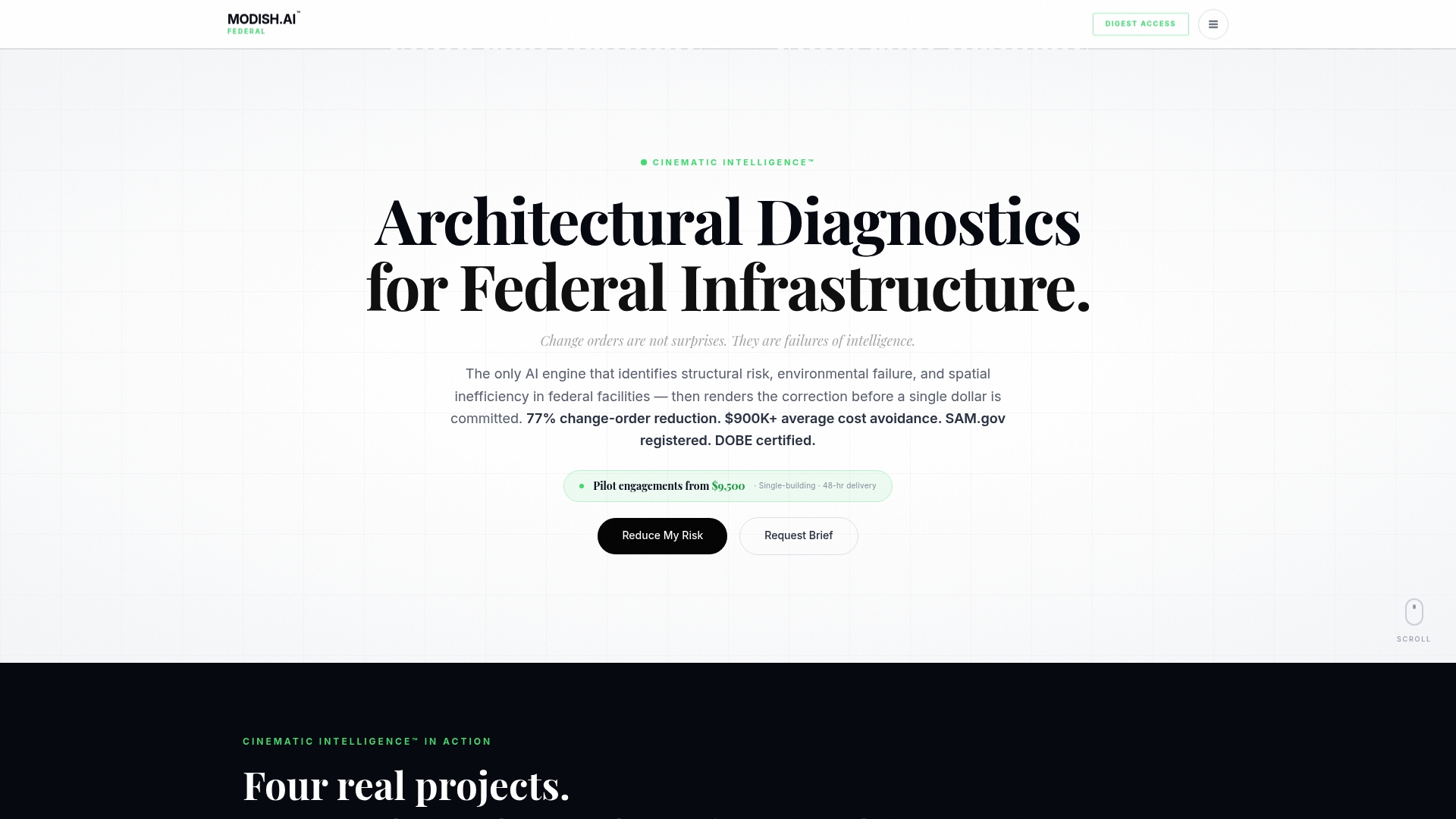
Modish is the only Disability:IN-certified DOBE architectural diagnostic intelligence firm in the United States. Its Architectural Diagnostic Intelligence™ engine identifies structural, environmental, and code compliance failure points in commercial and federal facilities before construction commits, then renders corrective solutions in federal submission-grade visualization. For federal contracting officers and A/E primes, Modish adds DOBE diversity scoring to proposals while delivering 192 corrective visualization options per Space. Engagements start at $9,500 for a single-facility pilot. Every dollar counts as Tier 1 diverse spend credit. Explore Modish’s full diagnostic capabilities to see how Architectural Diagnostic Intelligence™ and DesignVault 3D™ integrate ADA, WCAG, and Section 508 compliance into one pre-bid workflow.
FAQ
What are the main types of accessible design standards?
The main types are ADA compliance standards for physical buildings, Universal Design principles as a design philosophy, WCAG guidelines for digital and environmental content, and federal standards including Section 508 and PDF/UA for government projects.
Is Universal Design the same as ADA compliance?
No. ADA sets legally enforceable minimums for physical accessibility. Universal Design is a voluntary philosophy developed at North Carolina State University that guides inclusive design for all users from project inception.
What WCAG level is required for ADA compliance?
Level AA conformance is the legal compliance target. Court settlements and federal guidance consistently cite Level AA as the minimum threshold for non-discrimination under ADA.
Does WCAG apply to architectural signage?
Yes. The 4.5:1 contrast ratio required under WCAG 2.2 applies to physical signage and environmental graphics, not just on-screen text.
What happens if a federal project fails Section 508 standards?
Failure to meet Section 508 can disqualify a project from federal contracting. PDF/UA non-compliance in submitted documents can trigger a finding independent of the physical design’s quality.
Recommended